

Is it worth changing your CMS? What is Builder.io?

In today's world, a variety of channels such as classic websites, mobile apps, and social networks require a constant flow of content. As a result, the Headless CMS/Visual CMS concept has gained significant importance, particularly in multi-channel marketing. But what exactly are these systems, and is it worth considering a switch from a traditional CMS? In this article, we will explore the significance, benefits, and drawbacks of modern content management systems, and provide insights to help you determine whether migrating to a Visual CMS is the right choice for your business.The classic website, mobile apps and social networks are just some of the channels that today constantly need to be systematically filled with content. The Headless CMS/Visual CMS concept is becoming increasingly important, especially in multi-channel marketing.
But what exactly is Headless CMS or Visual CMS and is it worth considering the change? In this article, I'll explain the importance and advantages and disadvantages of a modern content management system and help you decide whether switching from a traditional CMS to a Visual CMS might be the right solution for your Business.
What is the difference between Headless CMS and Visual CMS?
Headless and Visual CMS are modern solutions for managing high-quality content in one place and reproducing it across relevant touchpoints with your audience. However, there are some key differences between these two systems.
Visual CMS enables users to preview every change made to content in "live" mode, while Headless CMS usually does not offer real-time display. This makes Headless CMS less beginner-friendly as it requires experience to envision the end result on a website or other channels. Builder.io is an example of a Headless CMS that offers the ability to preview content as it is edited, which is why it is also considered a Visual CMS.
One advantage of using Builder.io is that most changes do not require the work of a development team, resulting in faster and more cost-effective implementation of changes to web applications.
What is the difference between a traditional CMS and a visual CMS?
Traditional content management systems, such as Magento or Shopware, differ from visual CMS in that they consist of both a backend and a frontend. In the backend, content is created and maintained, while in the frontend, visible to visitors, the content is delivered. All the content is stored in a database connected to the backend and loaded to the frontend each time a website is visited. Additionally, the design of the pages is configured in the backend.
However, managing content with a traditional CMS can be challenging, as it requires basic knowledge of HTML, and with large sales platforms, a webmaster may be needed to handle it. Consequently, the process of implementing changes to the production environment is prolonged.
Since the backend and frontend are closely intertwined, content can only be played in the directly connected interface. If the content needs to appear in other channels, such as apps or social media, there will be additional programming costs since these are not standard functionalities.
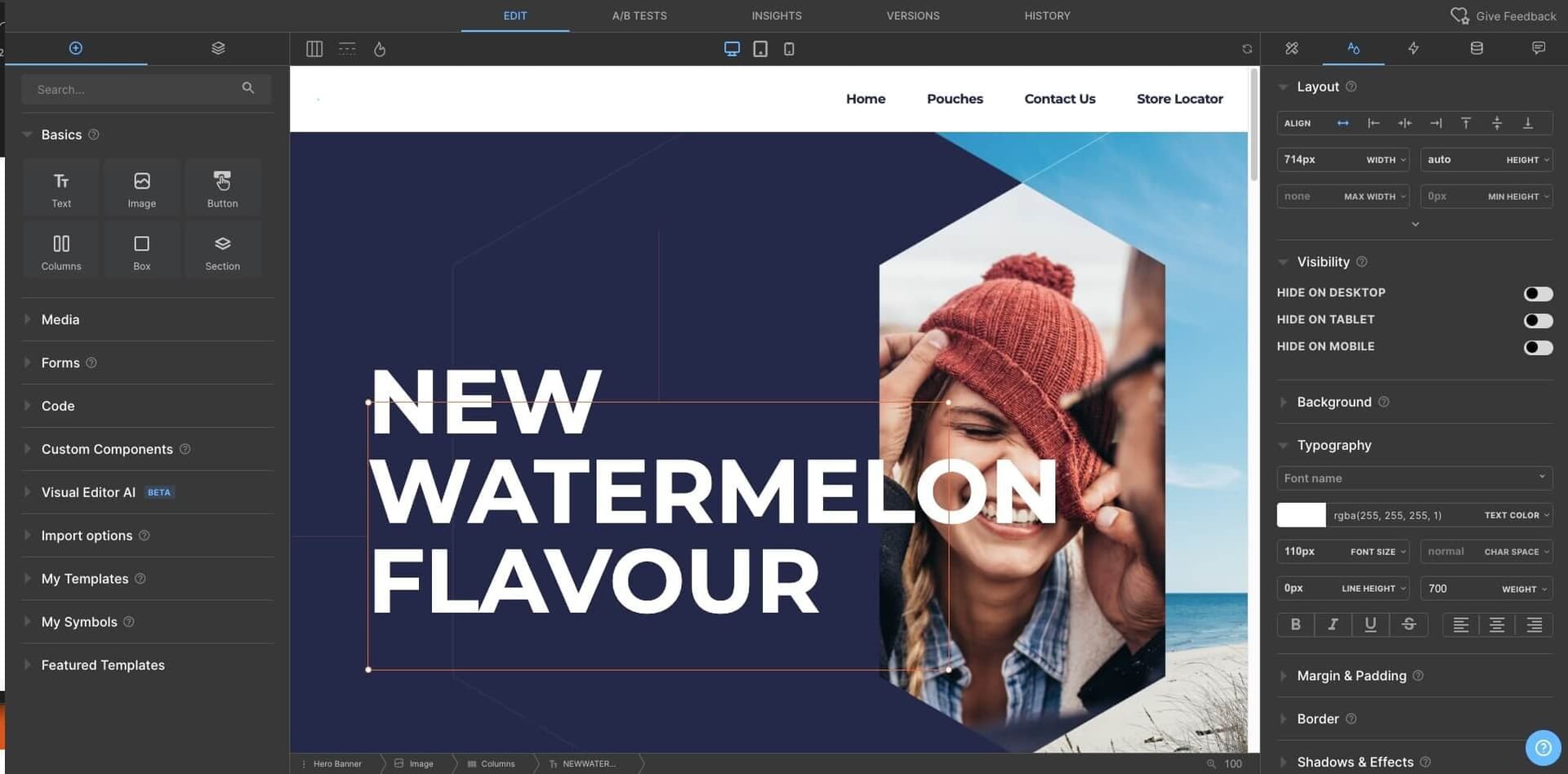
Characteristics of Builder.io - what is it and what benefits does it provide?
Visual CMS allows for content to be in a neutral format without specific formatting, making it easy to transfer to any channel. The backend does not manage content for a specific frontend, but one backend can provide content to multiple frontends, such as Builder.io.
Depending on the application, creating content in a visual CMS may require additional programming work especially if custom solutions for specific sales channels are needed.
In contrast, traditional CMS already formats, designs, and prepares content in the backend for a specific layout optimized for its own frontend. Builder.io, on the other hand, formats and assembles content in appropriate interfaces depending on the output channel, such as a website or an online store in JSON format. The layout is independent of the CMS, allowing for the delivery of the same content to many different channels, with the ability to individually design and set the layout depending on the sales channel.
This flexibility also enables the delivery of content to different user interfaces via APIs, which act as the interfaces between the actual CMS and various services. The services retrieve content from the CMS via APIs, and the frontend layer reproduces components from Builder.io.
Pros and Cons of Builder.io
Builder.io is a powerful platform that offers a range of benefits for creating visually stunning applications. Here are some of the advantages of using Builder.io:
- Easy to Use: Builder.io is a drag-and-drop platform, making it easy to create visual elements without needing a programmer to write code.
- Visual Editor with Live Editing Preview: The editor allows users to see exactly how their content will look on their web or mobile app in real time, making it easy to make changes and adjustments.
- Personalization: Builder.io makes it easy to customize content for different users based on their preferences or session behavior.
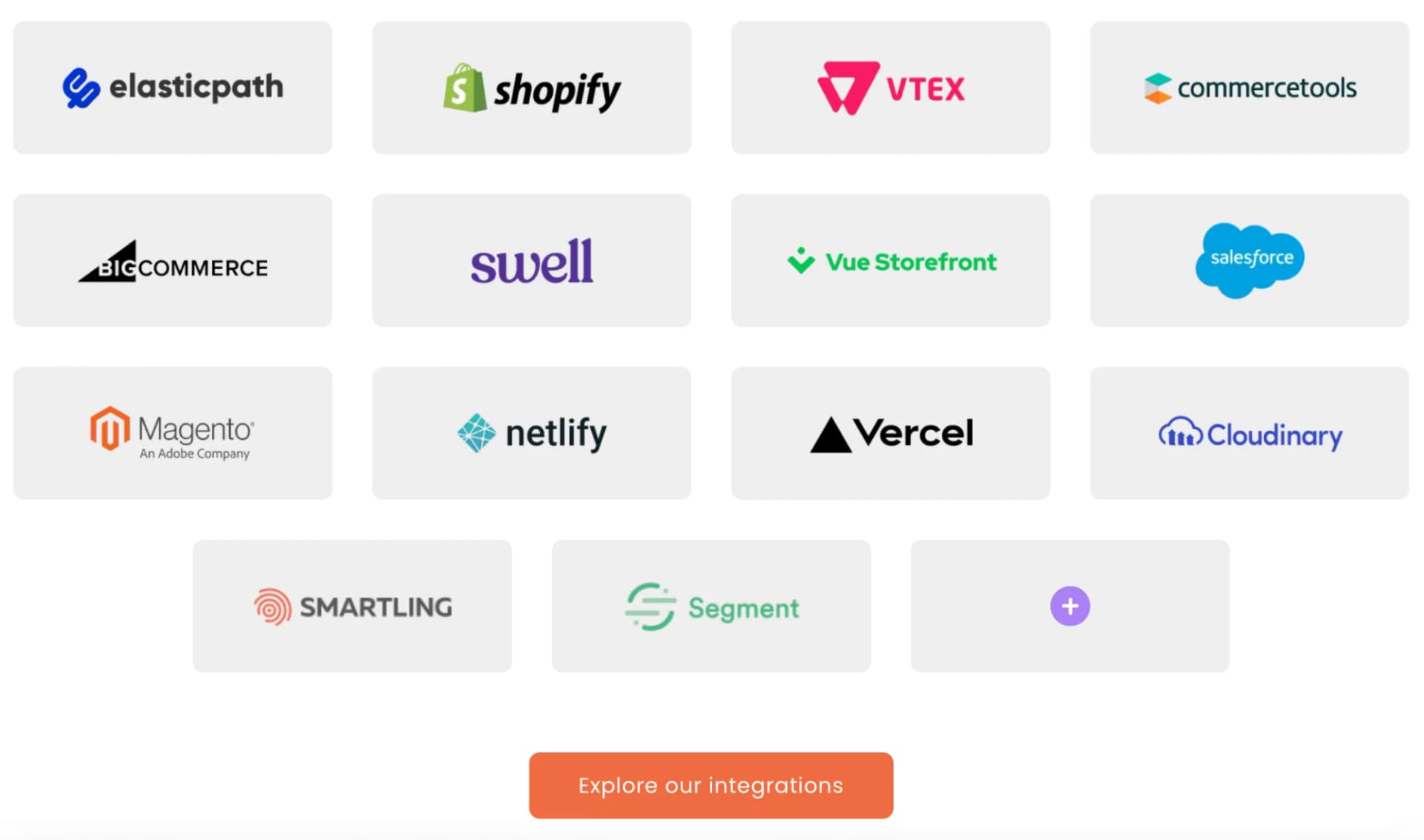
- Integration with Multiple Systems: Builder.io can be easily integrated with multiple systems, such as Magento, Shopify, or CommerceTool, making it a versatile platform for a range of applications.
- Responsiveness: All elements on Builder.io are fully responsive, meaning they adapt to mobile devices and provide a seamless user experience across all devices.
- Reduced Loading Times: Builder.io's platform has very short loading times thanks to cutting-edge technologies, improving the user experience immensely and potentially positively impacting Google ranking.
- Ability to Create Templates: Users can create templates for visual marketing content and reuse them across different projects without the need for development.
- Easy Migration: Users can move content between environments without development through a simple integration system, and deploying changes to production does not require deployments in most cases.
- Efficient Technical Support: Builder.io offers efficient technical support, ensuring that any issues can be quickly resolved.
- Ability to change from one eCommerce platform to another e.g. from Magento to Shopware, Shopify or vice versa, without rebuilding components in builder.io,
- Integration with Figma: Users can convert banners, texts, or entire pages created in Figma to JSON format and upload them to Builder.io without development.
- Dynamic Platform: Builder.io is constantly evolving, with new features being added to the product all the time. You can read about all the news on: https://www.builder.io/m/products?_host=www.builder.io.
The second point as in any technology or tool are the disadvantages, but here I am for the first time facing a situation where it is hard to find any disadvantages and I will try to list a few, although personally I think I have listed them here by force:
- Cloud Service: Builder.io is only available as a cloud service, which may be a disadvantage for some users who prefer to host their own applications.
- Limited Functionality: While Builder.io offers a lot of functionality, it may not always be sufficient for more advanced creative needs, and very advanced components may require a specialist to write the code.
Security in Builder.io
Builder.io utilizes a visual CMS architecture that offers several advantages, particularly in terms of security. With a completely separate frontend and backend, it becomes easier to protect against cyber attacks on your website. By employing more complex security measures on the backend, even if an attacker manages to infiltrate one of your frontends, the rest of the frontend and backend can remain intact.
Additionally, the visual CMS architecture tends to use fewer resources on the frontend, which means that you are better protected against failures resulting from technical problems. If the backend fails due to technical errors, users can still access the frontends, albeit with some limitations.
Read more: As Secure As Possible
Conclusion
In today's digital age, having a visually appealing website is crucial for businesses. The question then arises, should you consider switching from a traditional CMS to builder.io?
The answer depends on your specific needs. If you only have one website and do not plan to expand into other markets or channels, a traditional CMS may suffice. However, if you operate in multiple markets or channels, or utilize various social media platforms, switching to a visual CMS like builder.io can greatly streamline your workflow and boost monetization.
As a partner of builder.io, Monogo is available to offer advice and support in implementing this modern solution. We welcome you to schedule a demonstration with us, as experiencing the platform firsthand is the best way to appreciate its benefits.
If you're looking to develop your business and achieve rapid growth, please don't hesitate to contact us. We will provide you with our expertise and help you select the best solution for your online store. Fill out the form below, and we'll get back to you within 24 hours.