
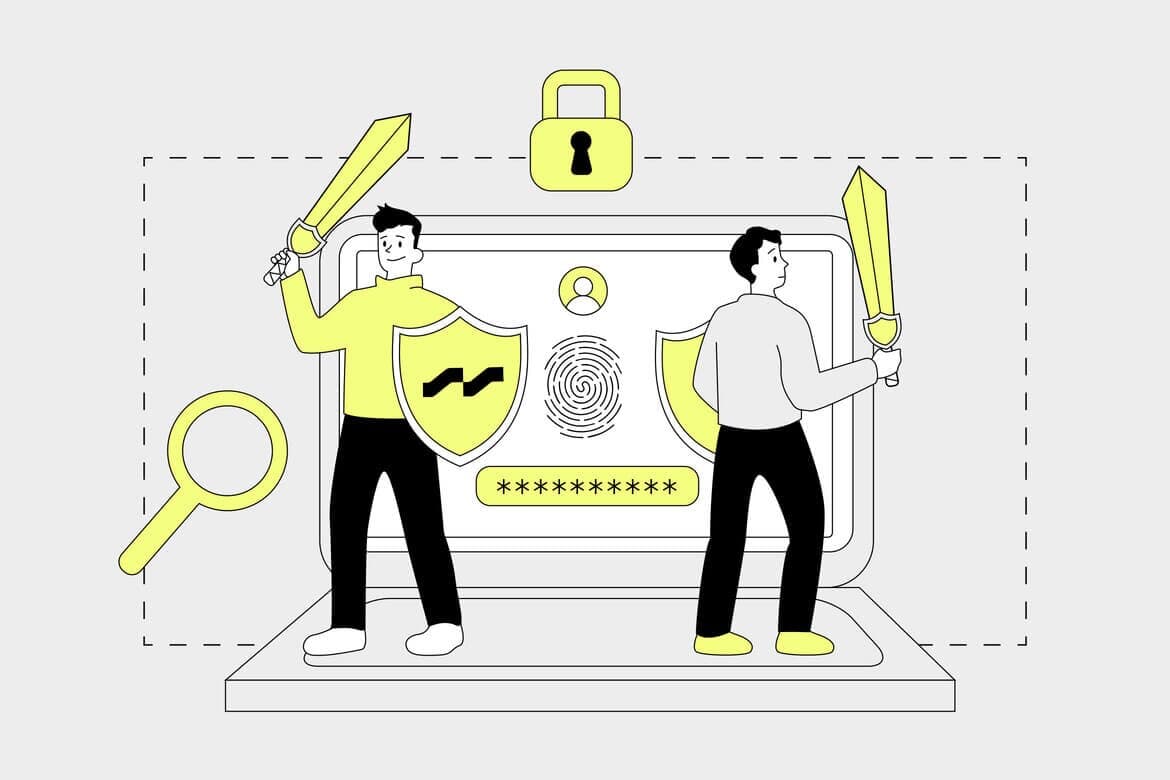
Man - the greatest security threat

In the last article, we talked about eCommerce security in a technical context. Today we will focus on the human and organisational part.
In the last article, we talked about eCommerce security in a technical context. Today we will focus on the human and organisational part.
When taking on a new team member, he/she will receive, among other things, health and safety training. Health and Safety should not only relate to the workplace, but also the employee's interaction with the systems in your organisation. We will discuss some of the basics today that may be helpful. However, we won't be focusing on processes and procedures, these too are important, but without knowing what they are for, they are mostly quickly forgotten or even ignored.
Every employee, when coming to work, is equipped with a computer or other device that allows them to work. How should such a device be prepared at a minimum?
Devices in the organisation and security risk
If your organisation allows you to take equipment outside the company (home office, business trips), you need to ask yourself questions:
- What happens if the equipment is lost/stolen?
- Do the data and permissions stored on the computer allow direct access to confidential company data?
By using workstation disk encryption, we make it much more difficult (for the people who 'found' the equipment) to access the data stored there. Any loss of hardware should be reported immediately. In larger organisations, MDM (Mobile Device Management) type systems are often used. This class of systems allows, among other things, the enforcement of disk encryption policies, length and quality of passwords, as well as the remote request to lock the device or even wipe the disk in justified cases.
Bring Your Own Device (BYOD)
It is often the case that employees in the workplace use their own mobile devices (smartphone/tablet) connected to the company network. Bring Your Own Device (BYOD) is a popular trend. It is a definite simplification and simplification of everyday duties. However, along with the benefit comes a security risk. Private devices should meet all the conditions given to corporate devices (encryption, controlled access, wipeability, anti-virus scanning). The aforementioned malware-detecting antiviruses are standard today and we will not focus on them today. Employees should be aware of and accept the potential deletion of private data from their device, or not bring their own devices to work.
At this point, it is also worth mentioning another class of devices that are often overlooked but can represent a serious security hole in an organisation. We are talking about office devices such as network printers, scanners, routers or network drives. There have been cases of attacks on company networks using errors in the internal software of printers. It is important to remember to configure correctly, not expose devices to the public network, and to update periodically.
Password policy
Some argue that passwords should be changed monthly. Others that they should not be rotated, should be long, complex and saved in applications like Password Manager. Keep in mind that a password in most cases is just a string of letters and characters that can be copied somewhere. Of course, there are devices with fingerprint scanners, facial recognition, or login with keys and certificates.
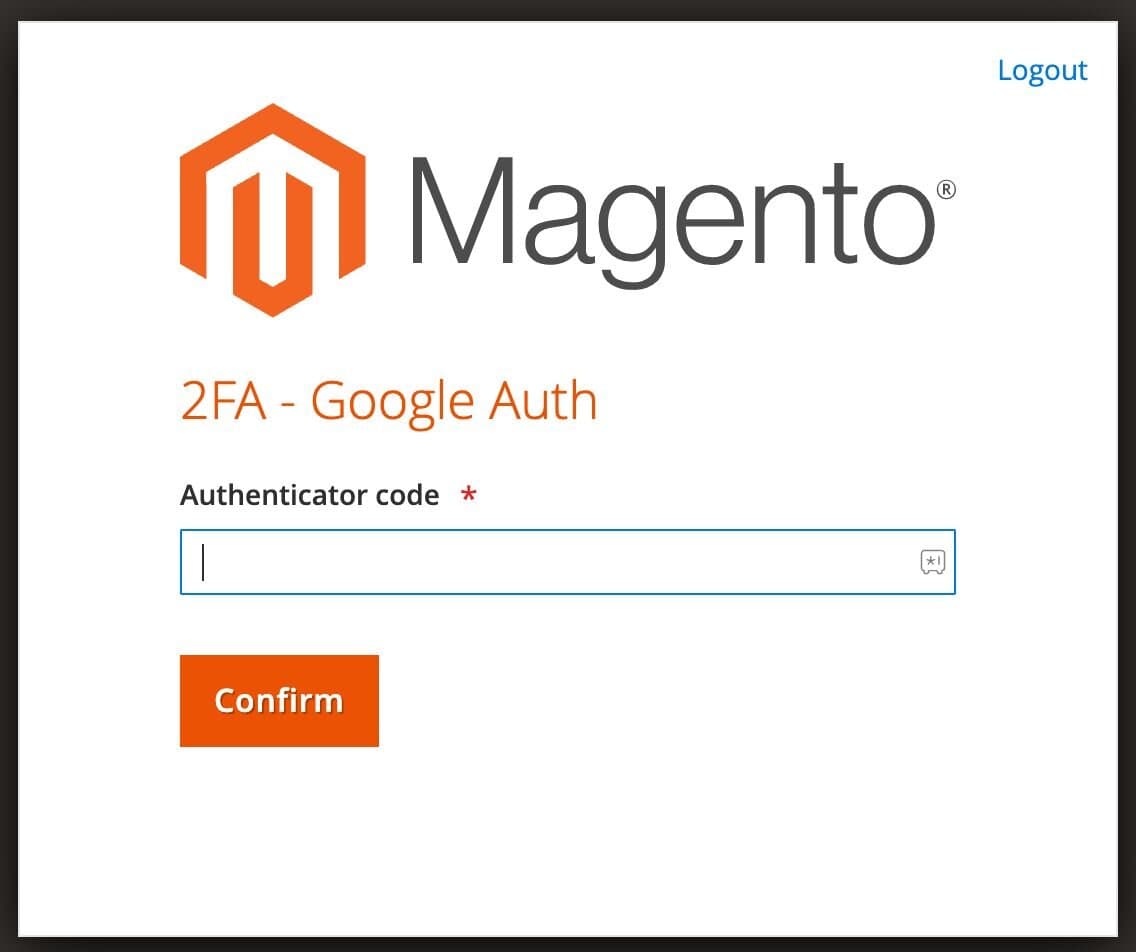
Whatever your organisation's policy is, it makes sense to use two-factor authentication wherever possible. Two Factor Authentication (2FA, TFA) is an additional method of user verification. This can be an additional application on the phone that generates temporary strings, a dedicated USB dongle, or even a simple text message sent to an authorised device when logging in.
The two-factor authentication mechanism provides an extra layer of security, even in the event of a password leak. Most applications allow the use of 2FA, but it is disabled by default. If you use social networks, online shopping, instant messaging or regular email, check whether 2FA can be enabled and how it can be attached to your account
An additional way to improve security when logging in is the Single Sign On (SSO) mechanism. It allows you to log in to platform X via authentication on platform Y, for example, logging into Messenger via a Google or Microsoft account. It is then important that the Google account is as secure as possible, for example with the aforementioned 2FA mechanism.
Access control
Any user with access to a particular system should be assigned appropriate rights.
Two years ago, at one of our clients, a small copywriting company was involved in a project. An account was created in the administration panel, but without restricting access to resources. The copywriters therefore had access to orders, the list of customers, their sales history, but also the system configuration. And the whole thing would not have been noticed by the client, had it not been for the fact that, through the infected copywriter's system, the login data for eCommerce had leaked out. Malicious scripts were added to the shop configuration to steal credit card details during purchases. The system had no security monitoring, the malicious scripts were detected by the QA team during routine regression testing
At the client's request, an entire analysis was carried out after the incident, the results of which were reported to the security inspector. Fortunately, no one was harmed by the incident, but the organisation had to implement steps to prevent this type of incident.
When configuring any accesses, it is good practice to use the minimum possible level of permissions and to periodically (for example, quarterly) audit accesses internally. Inactive or no longer needed accounts should be removed on an ongoing basis. If possible, it is also advisable to log information on who changed what and when in the system.
Social engineering
It is said that the weakest link in security is the bio-junction between the keyboard and the monitor
Sociotechnics is the attempt to exploit people by appealing to curiosity, a desire to help and sometimes vanity and greed. The aim is to get them to divulge certain information, login details, install malware or blackmail.
Examples of situations in which someone may want to obtain information about us or an organisation:
- Impersonation of an employee, CEO, customer
- Messages about non-payment for a service
- Message about a potential win
- Harmful attachments sent under false pretences (for example, payroll)
A particular example of manipulation is the ladder method. By simply wearing a waistcoat and holding a ladder in your hand, you can enter almost anywhere. Who would think that this is not a maintenance man who has come to fix something. Of course, this is a big exaggeration of the problem, especially in facilities with adequate security, but it shows how we think.
It is important to remember that there is no sure-fire way to defend against social engineering, the best thing to do here will be common sense and continuous education.
Medium and large organisations also perform periodic employee awareness surveys. For example, emails with deliberately introduced name errors, typos, but also a link or form are prepared. The number of reports from employees about potential attacks is examined, as is the number of people who have been fooled. Additional training is later carried out on the basis of the reports.
Risk register
Conducting an analysis of potential IT risks in an organisation is the first step towards effective security management. Adequate monitoring, continuous identification of new risks, appropriate protection methods, and security procedures and policies are the building blocks of an organisation's risk register. All security procedures should be updated periodically and adapted to current risks. Often, the risk register is also a component of organisations' RODO policies.
Summary
There may be claims that security in an organisation involves restricting the privacy or even surveillance of employees. Well-constructed policies, appropriate levels of access and, above all, knowledge, are not designed to track every employee, but to raise awareness and, ultimately, the entire organisation
If you are interested in the topic of security in eCommerce systems, I invite you to my previous article As Secure As Possible.